
How to Find Hidalgo County Arrest Records
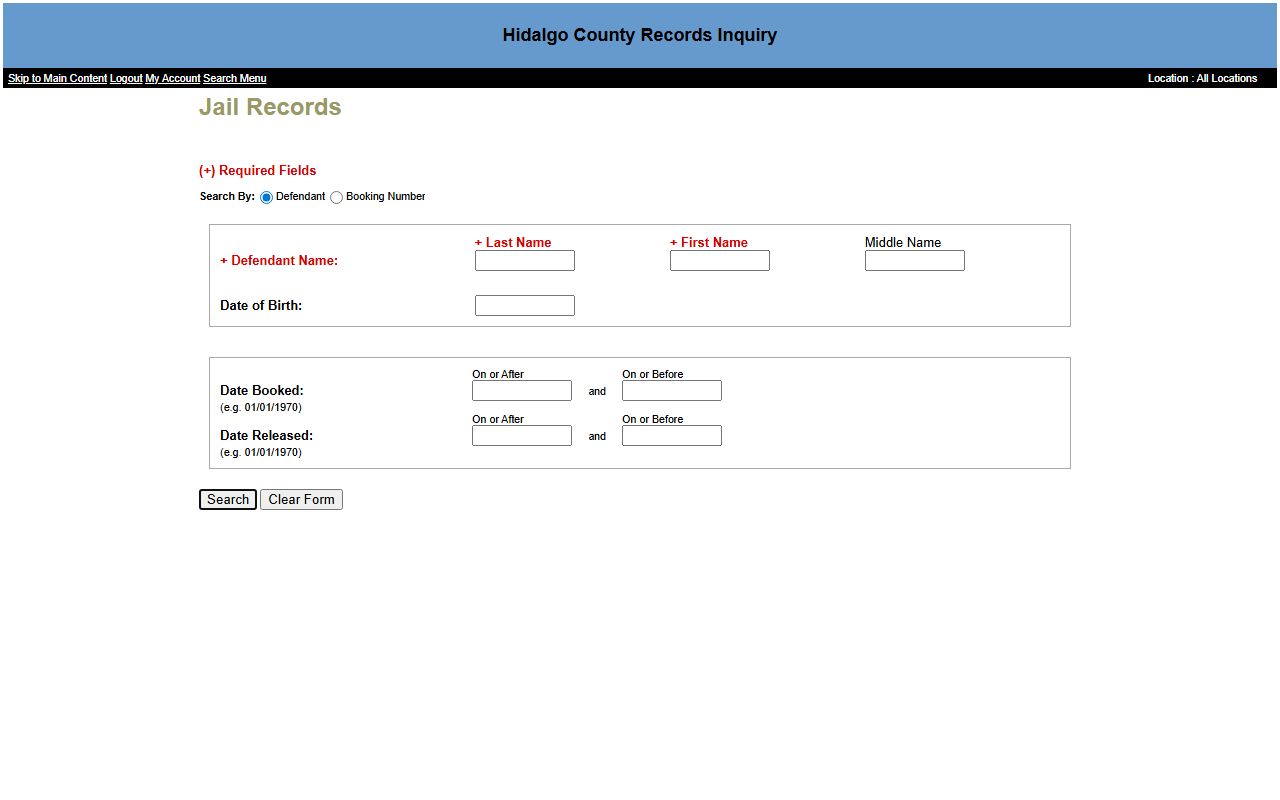
The fastest way to find a recent arrest is the jail roster. The Hidalgo County Sheriff's Office runs the jail, and the public Jail Records search sits in the Records Inquiry portal at pa.co.hidalgo.tx.us. From the detention page, the county says to click through to search for an inmate. You can search by defendant name or by booking number.
Have a name ready, spelled the way it appears on an ID if you can. A date of birth narrows the list. A booking number is exact if you have one.
- Open the Jail Records search at pa.co.hidalgo.tx.us/JailingSearch.aspx?ID=400.
- Pick Defendant or Booking Number as your search mode.
- In defendant mode, enter both a last name and a first name.
- Add a date of birth or a booking date range to trim results.
- Open the record to see the booking and bond status.
The Hidalgo County jail records search is shown below.
For the full roster and visitation details, see the Hidalgo County inmate records page.
Arrest Record vs Criminal Court Record
An arrest record and a criminal court record are two different things. The arrest record is the jail's account of a booking. The court record is the case that follows, if charges are filed. One can exist without the other. The chart below sorts out the difference.
| Point | Arrest Record | Criminal Court Record |
|---|---|---|
| Who keeps it | Sheriff and jail | District or county clerk |
| What it shows | Booking, charge, custody | Filings, pleas, disposition |
| Where to search | Jail Records lane | Case Records lane |
| Proof of guilt | No | Only at conviction |
For the case behind a charge, search Hidalgo County court records.
What Hidalgo County Arrest Records Show
The jail search returns the basics of a booking. It is built to confirm custody, not to explain a case. Based on the portal's design, you can expect fields like these in a Hidalgo County arrest record.
- Booking number that identifies the jail stay.
- Defendant name and date of birth.
- Booking date and, if applicable, release date.
- Bond status, set as all, open, or closed.
- Bond posted date range for release research.
Some detail, such as a charge list or facility, may only show on a full profile or by calling the jail. Jail bond records sit in a separate lane in the same portal.
Charges vs Convictions in Hidalgo County
This is the line people miss most. A charge is an accusation. A conviction is a court finding of guilt. Many charges end in dismissal, acquittal, or a lesser plea. Reading an arrest record as proof of guilt is a mistake. The chart below keeps the two straight.
| Point | Charge | Conviction |
|---|---|---|
| Stage | Start of a case | End of a case |
| Meaning | An accusation only | A finding of guilt |
| Found where | Arrest and filing records | Disposition line of the case |
Note: An arrest alone does not prove guilt, so always read the disposition before you draw any conclusion.
Mugshots and Booking Details
A mugshot is the booking photo taken at intake. In Texas, booking photos and arrest blotter data are often public, though the county portal may not always display a photo on the public result. The booking record itself remains the core arrest document.
Be careful with private mugshot sites. They copy public data and often charge to remove it. Stick to the county jail search and the courts for accurate, current Hidalgo County arrest records.
State Criminal Records and Background Checks
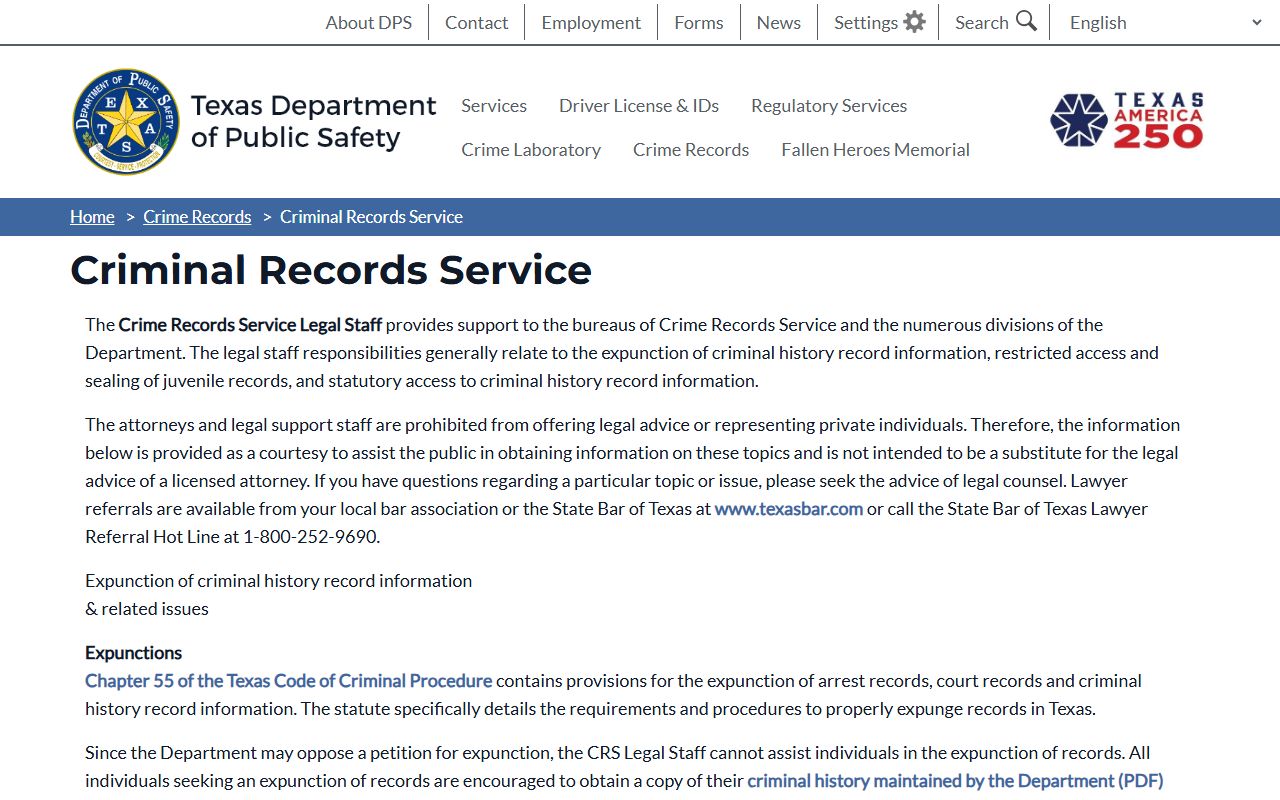
Local arrest records are only part of the picture. The Texas Department of Public Safety keeps a statewide criminal history. The DPS Crime Records Service offers an official background check that pulls reported arrests and dispositions from across Texas, not just Hidalgo County.
The Texas DPS Criminal Records Service is shown below.
For arrests tied to driving offenses like DWI, see the traffic court records page.
Restricted Hidalgo County Arrest Records
Not all arrest data is public. Juvenile records are limited by state law, and requests go to the juvenile justice center custodian. Active investigations can be withheld under the law enforcement exception in Government Code § 552.108. Sealed and expunged records drop out of public view entirely.
Personal identifiers such as Social Security and driver license numbers are redacted. If an arrest led to a charge that was later cleared, the record may no longer appear.
Sealed vs Expunged Records
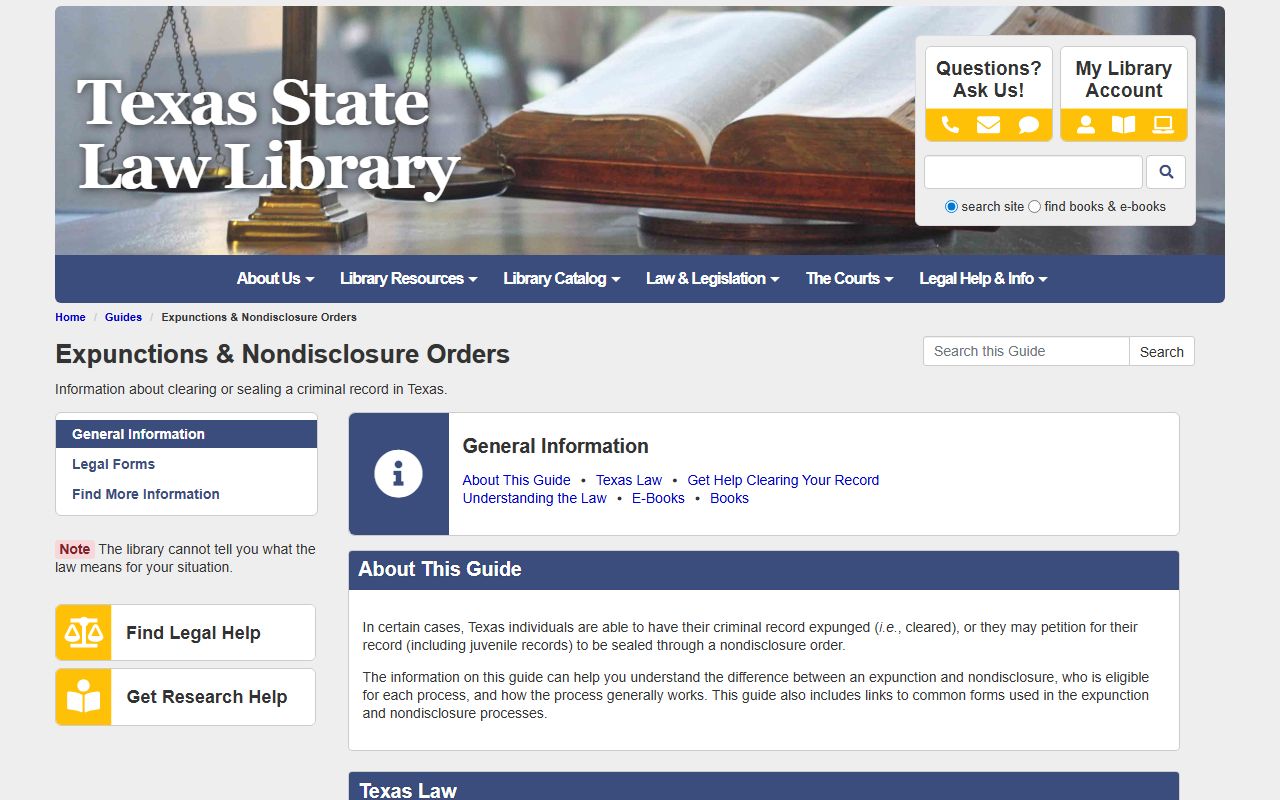
Texas offers two ways to limit an arrest record. Expunction erases it. Nondisclosure seals it from the public but leaves it for justice agencies. The chart below compares them, and the state library guide explains the steps.
| Point | Expunction | Nondisclosure (Sealed) |
|---|---|---|
| Legal basis | Code of Criminal Procedure Ch. 55 | Government Code Ch. 411 |
| Effect | Record destroyed | Record hidden from public |
| Who can still see it | Almost no one | Criminal justice agencies |
The Texas guide to expunctions and nondisclosure is shown below.
You file the petition in the court that handled the case, citing Chapter 55 where it applies.
District vs County Criminal Jurisdiction
Where a criminal case lives depends on how serious the charge is. In Texas, felonies are tried in the district courts, while misdemeanors go to the county courts at law. The lowest level, fine-only Class C offenses, stay in the justice and municipal courts. Hidalgo County has 13 district courts and several county courts at law, so a felony arrest and a misdemeanor arrest can land in very different courtrooms with different clerks holding the file.
This split matters for a records search. District court criminal files run through the District Clerk. County court at law files run through the County Clerk. The 370th District Court page, for example, lists serious charges it handles, including capital murder, aggravated robbery, sexual assault, and intoxication manslaughter. For the full case record behind any arrest, the court records search lets you pick the criminal lane. To see how the numbered courts divide the work, see the Hidalgo County District Court page.
Bonds, Bookings, and the Path of a Criminal Case
An arrest is only the first step. After booking, a magistrate sets bond and reads the person their rights. From there the case moves through filing, arraignment, pretrial settings, and either a plea or a trial. Each stage adds entries to the criminal court record. Reading those entries is easier once a few terms make sense.
- Indictment - a grand jury's formal felony charge.
- Information - a charge filed by the prosecutor, often for a misdemeanor.
- Bond - the money or promise that allows release before trial.
- Disposition - the outcome, such as a plea, dismissal, or verdict.
- Capias - a Texas order to take a person into custody, often after a missed step.
The financial section of a case file can show court costs, fines, and bond amounts. Bond status after an arrest also appears in the jail records, which the inmate records page explains in full.
Federal Arrests and Records in Hidalgo County
Sitting on the border, Hidalgo County sees a steady share of federal arrests alongside local ones. Federal criminal cases are handled in the Southern District of Texas, which runs a McAllen Division. A person arrested by a federal agency is not booked into the county jail the same way and will not show on the county roster. Instead, federal custody is tracked through the Bureau of Prisons inmate locator once a person is in federal hands.
Federal case files live on PACER, the national records system, and appeals go to the U.S. Court of Appeals for the Fifth Circuit. The Fifth Circuit Court of Appeals is shown below.
This matters for an arrest search because a missing county record does not always mean no arrest happened. The case may be federal. For people moved into state prison after a conviction, the Texas Department of Criminal Justice offender search is the right tool, and the released inmates page lays out both state and federal locators.
Common Questions About Hidalgo County Arrest Records
People searching arrest records tend to ask the same things. The short answers below clear up the most common ones.
Are arrest records public in Hidalgo County? Most booking and jail data is public through the county roster, though juvenile and sealed records are not. Active investigations can also be withheld under state law.
Does an arrest stay on my record forever? Not always. If the case qualifies, expunction can erase it and nondisclosure can seal it. The state library guide and Chapter 55 set out the rules. More answers sit on the FAQ.
Your Rights After a Hidalgo County Arrest
An arrest brings rights with it. The Hidalgo County Public Defender FAQ lists the right to stay silent, the right to a lawyer when prison is possible, and the right to a jury trial for serious crimes. A person charged with a serious crime may apply through the county indigent defense office to see if they qualify for a public defender.
If there is an outstanding warrant tied to an arrest, see the warrant records page. For common questions, see the FAQ.